![Source QC photo for Heron Preston Heron Print T-Shirt [3 styles]](https://fanssheets.com/uploads/allimg/20260630/qc/qc_7477119522_7ca1d8025c93.jpg)
![Source QC photo for Heron Preston Heron Print T-Shirt [3 styles]](https://fanssheets.com/uploads/allimg/20260630/qc/qc_7477119522_e4cb31a84f45.jpg)
![Source QC photo for Heron Preston Heron Print T-Shirt [3 styles]](https://fanssheets.com/uploads/allimg/20260630/qc/qc_7477119522_d321eb35b777.jpg)
![Source QC photo for Polo Ralph Lauren Classic Fit Swim Trunks [39 styles]](https://fanssheets.com/uploads/allimg/20260427/qc/qc_7430920698_5faf8e360066.jpg)
![Source QC photo for Polo Ralph Lauren Classic Fit Swim Trunks [39 styles]](https://fanssheets.com/uploads/allimg/20260630/qc/qc_7430920698_1e7d99527a83.jpg)
![Source QC photo for Polo Ralph Lauren Classic Fit Swim Trunks [39 styles]](https://fanssheets.com/uploads/allimg/20260630/qc/qc_7430920698_5745d9944f21.jpg)
![Source QC photo for Onitsuka Tiger Mexico 66 Sneakers [14 styles]](https://fanssheets.com/uploads/allimg/20260427/qc/qc_7429054983_8b0f047e32ef.jpg)
![Source QC photo for Onitsuka Tiger Mexico 66 Sneakers [14 styles]](https://fanssheets.com/uploads/allimg/20260427/qc/qc_7429054983_6cf6f470d459.jpg)
![Source QC photo for Onitsuka Tiger Mexico 66 Sneakers [14 styles]](https://fanssheets.com/uploads/allimg/20260427/qc/qc_7429054983_5b250c526de6.jpg)
![Heron Preston Heron Print T-Shirt [3 styles]](https://si.geilicdn.com/open1784905069-1234478995-313700000196fde54ca00a22d249_800_800.jpg)
QC photo-check reference
What to check in Mulebuy QC photos
A problem-first reference for quality-control photos: which views are missing, which issues are actually visible, and which questions to settle before the next order step. It does not place orders and it is not the official Mulebuy site.
What is missing? →Work out which angles a QC set should cover and which are absent.What can I see? →Sort loose threads, misprints and colour differences from guesses.Ask for another view →Phrase a request for a specific angle, close-up or measurement.Before the next step →What to confirm before you approve or move an order forward.
Search opens the full product catalogue on an external website (fanssheets.com).
Start with the gaps
A useful QC set covers a predictable list of views. Before judging an item, note which of these are present and which are simply not there.
Overall front and back
The two views that show cut, length and print placement at a glance.
Labels and tags
Neck, care and size labels — readable, not blurred or cropped out.
Stitching and seams
Close-ups where loose threads, skipped stitches or uneven hems show.
Print or logo alignment
A straight-on shot of any graphic, so you can judge placement and register.
Soles and insoles (shoes)
Tread, midsole and insole print — often the first thing left out.
Hardware and small parts
Zips, buttons, eyelets and drawcords that a wide shot hides.
Sort what you can see
Describe only what is visible in the frame and keep the uncertain parts uncertain. These four groups cover most of what QC photos reveal.
Construction
Loose or trailing threads, skipped stitches, uneven or puckered seams, misaligned panels.
Print & colour
Off-centre or blurred prints, a hue that reads differently from the listing photo, patchy dye.
Wrong or mixed items
A size, colourway or style in the photo that does not match what was ordered.
Marks & damage
Glue residue, scuffs, creases, small holes or stains that are visible in the frame.
Real photo evidence, and where it is missing
Of the 200 items referenced here, 176 have QC photos published on their source listing and 24 do not yet. Where there are no photos, this site shows an honest empty state rather than a stand-in image.
Ask a specific photo question
If a view is missing or a detail is unclear, the fix is a precise request, not a guess.
Request a more useful view
Name the exact angle, part and lighting you want, and say why. A specific ask is easier to act on than "more photos".
Settle it before you commit
List what has to be right — size, colour, quantity, any visible defect — and confirm the current step name on the official help pages before you approve it.
Current terms are unconfirmed
Service status: not re-verified.
At the time of writing (17 September 2026) Mulebuy's official pages did not return readable ordering, fee or return terms for us to quote, so this site does not state them. The source product listings below did load. Confirm anything time-sensitive on the current official site before you rely on it. Full status note →
Browse items and search the catalogue
A sample of items that carry source QC photos. The search box opens the full catalogue on the external source site.
![Polo Ralph Lauren Classic Fit Swim Trunks [39 styles]](https://si.geilicdn.com/open1784905069-1234478995-775200000195b467e0900a22d249_1200_1200.jpg)
![Onitsuka Tiger Mexico 66 Sneakers [14 styles]](https://si.geilicdn.com/open1784905069-1234478995-016100000195b5cbd1010aa08290_850_850.jpg)
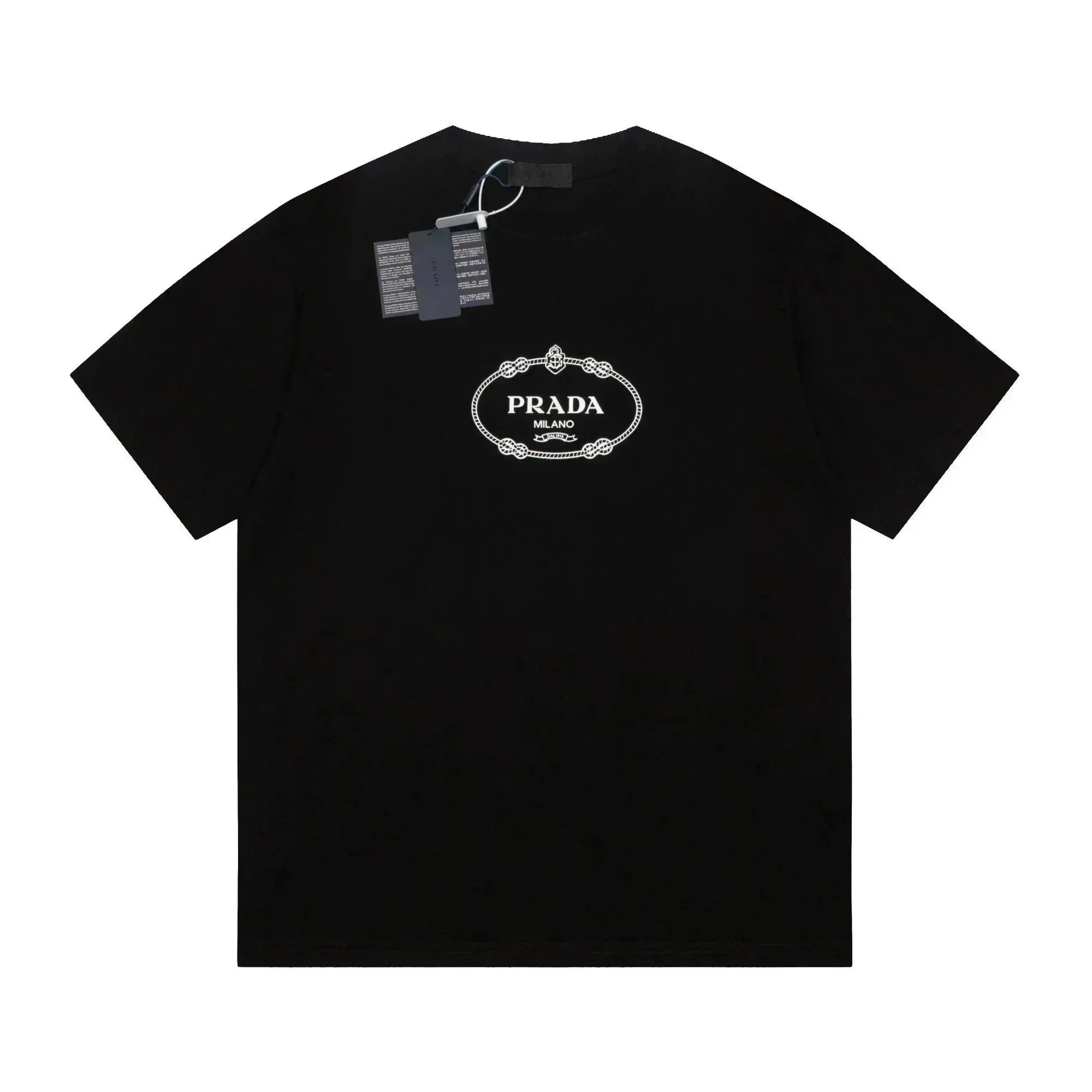
![Stüssy Logo Shorts [15 styles]](https://si.geilicdn.com/open1784905069-1234478995-2c8d00000195b606b85a0aa0834c_1200_1200.jpg)
![Dior 'Dior Tears' Sweatpants [26 styles]](https://si.geilicdn.com/open1784905069-1234478995-735c00000195b45fc34f0aa0834c_2560_2560.jpg)
![Polo Ralph Lauren Classic Fit Jogger Pants [5 styles]](https://si.geilicdn.com/open1784905069-1234478995-366900000195b617b7a10a8115c2_1280_1280.jpg)
![Unbranded Wide-Leg Drawstring Jogger Pants [13 styles]](https://si.geilicdn.com/open1784905069-1234478995-35ac00000195b61cffc50aa08290_800_800.jpg)
![1977 Logo Sweatpants [19 styles]](https://si.geilicdn.com/open1784905069-1234478995-401900000195b620b80f0a8133b0_1200_1200.jpg)
![A BATHING APE ABC Camo & Logo T-Shirts [40 styles]](https://si.geilicdn.com/open1784905069-1234478995-09cd00000195b51ebcca0a231226_2400_2400.jpg)
![A BATHING APE Shark Camo Shorts [27 styles]](https://si.geilicdn.com/open1784905069-1234478995-3dfe00000195b5853ae00a231226_1200_1200.jpg)
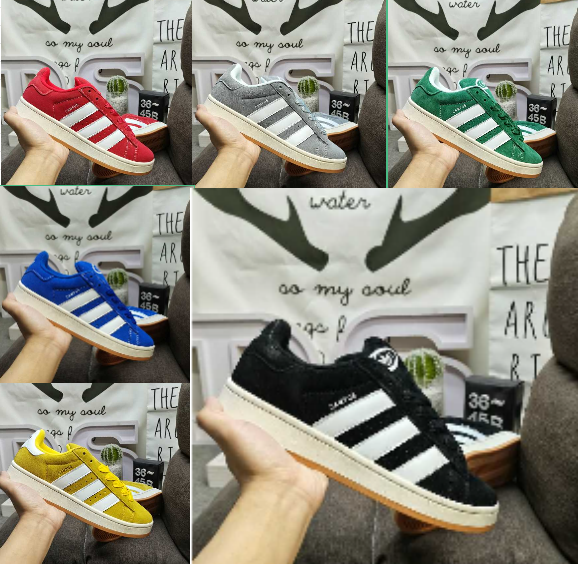
Search opens the full product catalogue on an external website (fanssheets.com).
Quick answers
Does a failed page load mean Mulebuy has closed?
No. A page that will not load can mean maintenance, a regional block or a temporary error, and a page that loads is not proof ordering works either. Treat load state as a hint, not a verdict, and check the current official site.
Can this website approve or return my order?
No. This is an independent reference. It cannot see your account, cannot place an order and cannot approve or return anything. Those actions happen in your agent account.